
Screenshots
The whole application, so you can judge it before installing anything. Light theme shown; there is a dark one, and it follows your system setting by default.
Everything here is made up
These are taken against a throwaway database seeded to look like an installation in regular use — a fresh install shows the same screens with empty tables. The names, addresses, directory and mail server are all fictional, and nothing in it can send.
Sign in
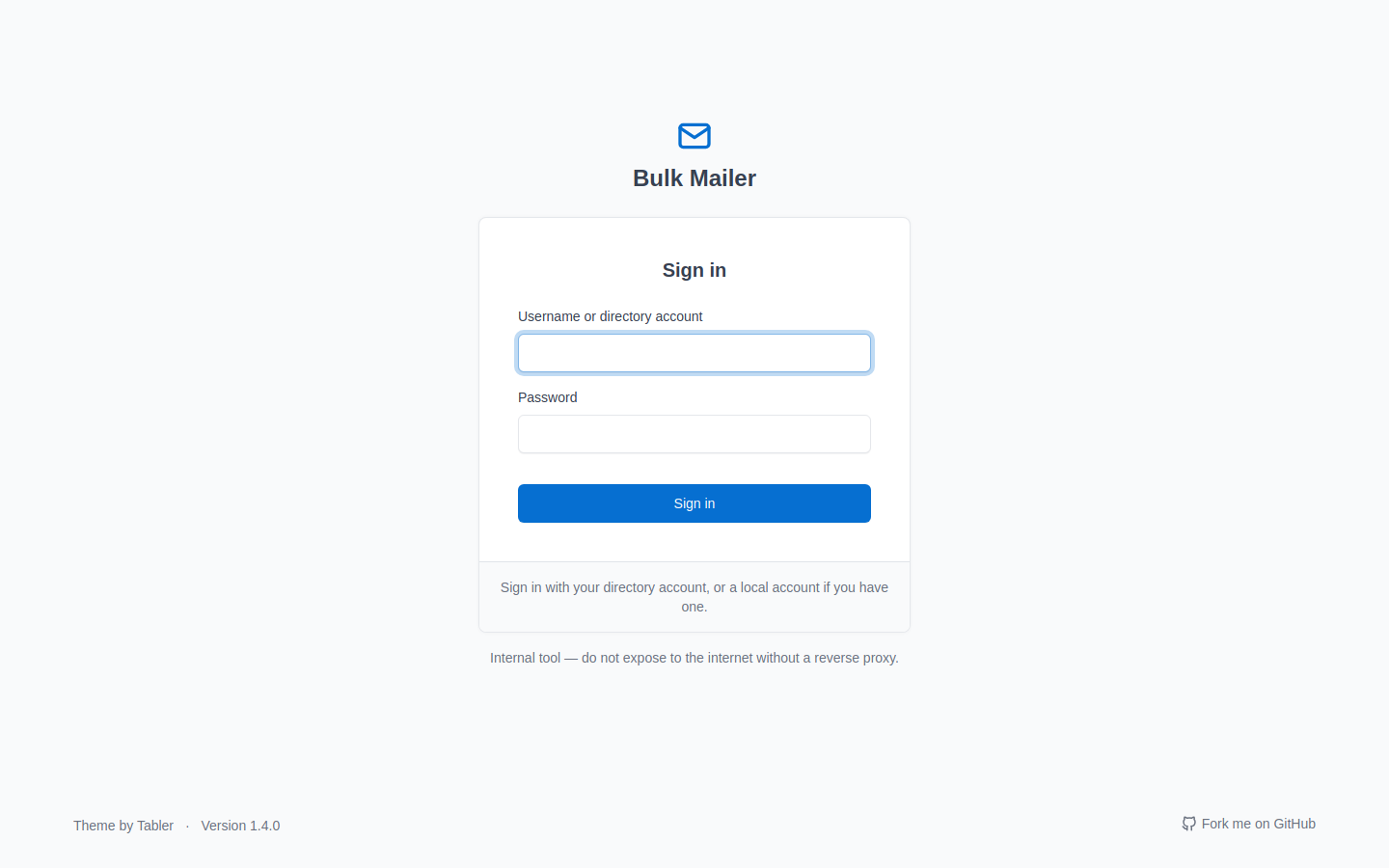
Local accounts, or directory sign-in so a team shares the tool with their own credentials. The banner is a reminder, not decoration — this app speaks plain HTTP and belongs behind a reverse proxy.
Dashboard
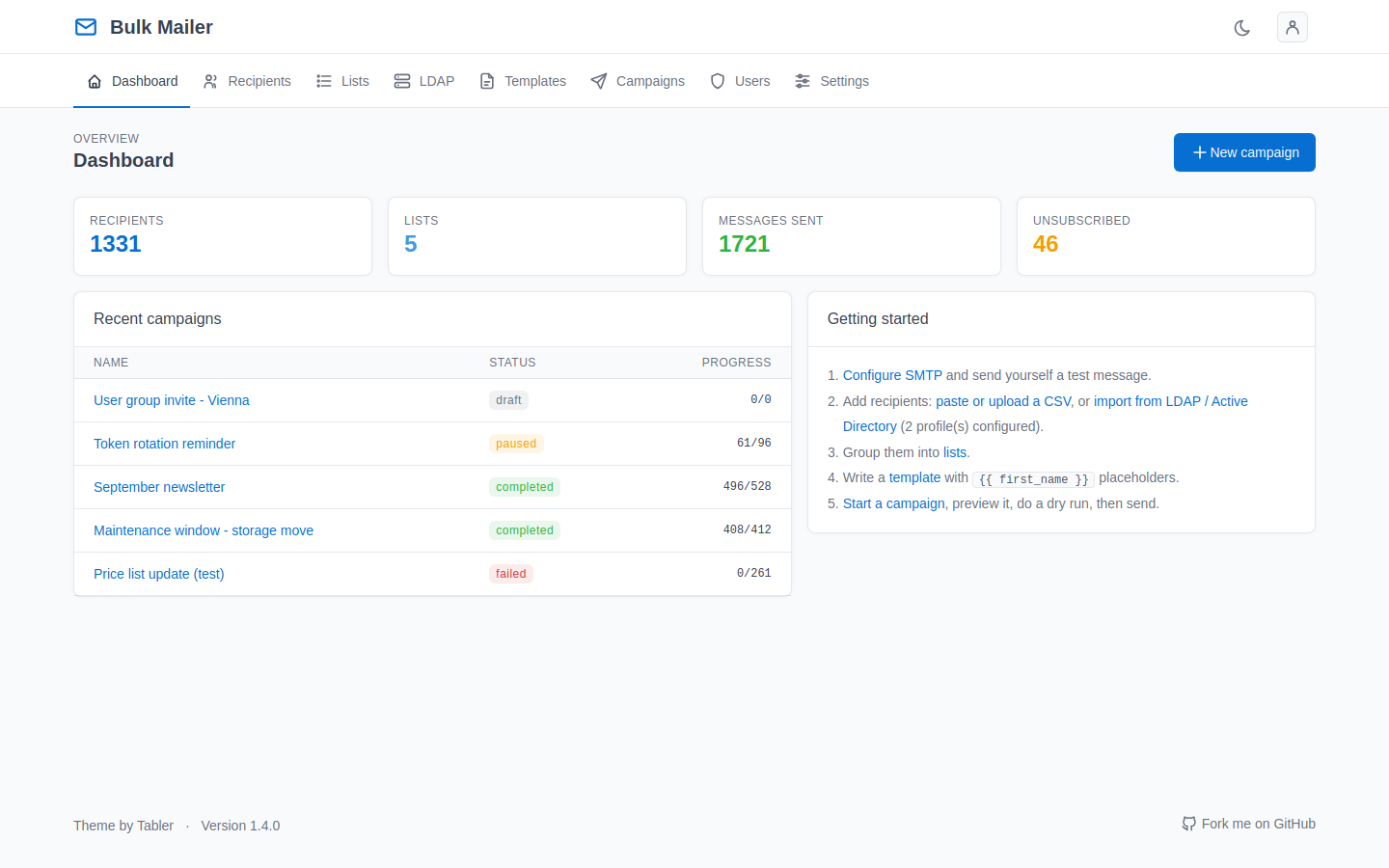
Recipient, list and send counts, recent campaigns with their status, and a getting-started checklist that stays until you have actually done the steps.
Recipients
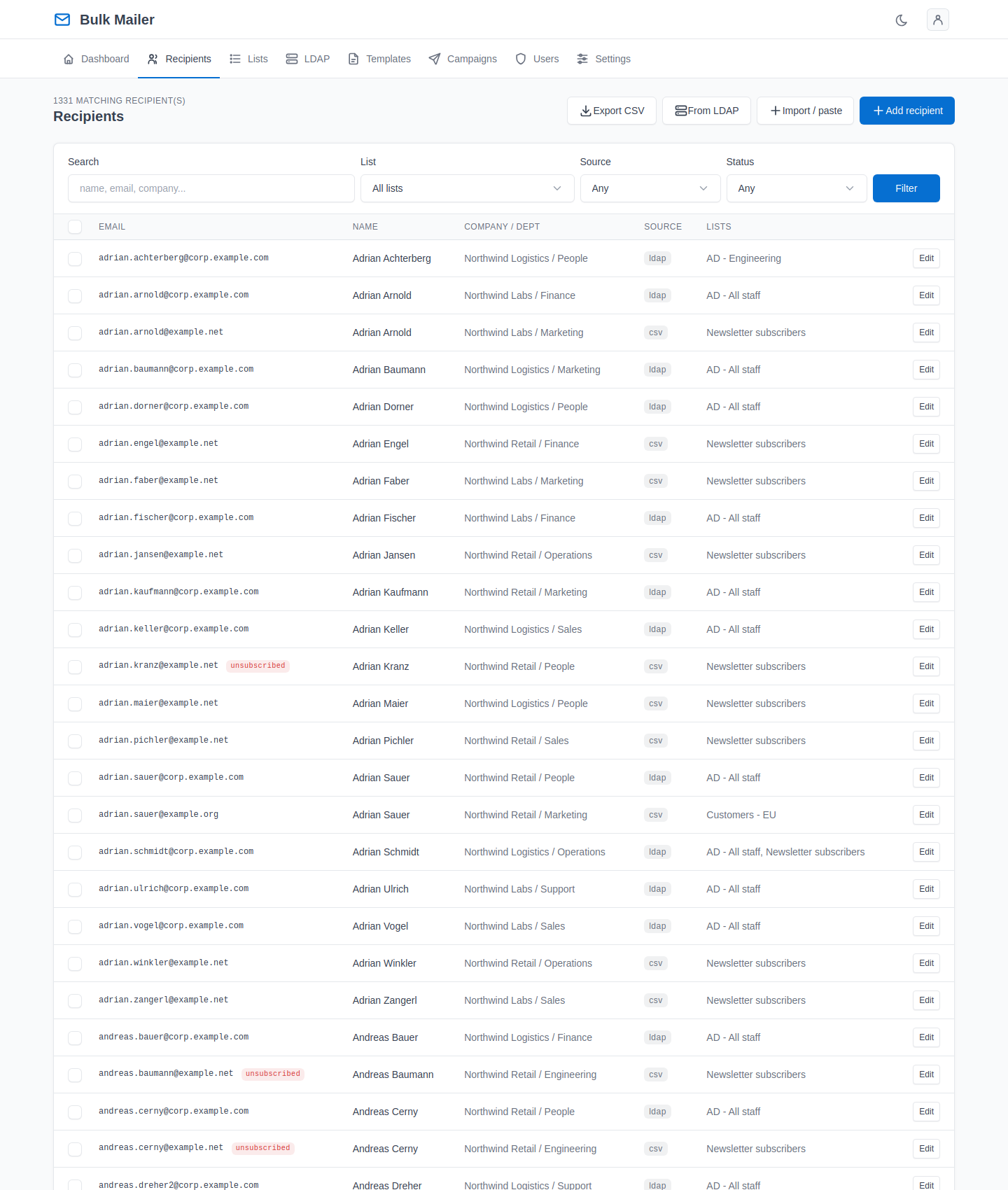
Search and filter, then act on the results. Bulk actions apply to everything matching the filter, not only the rows on screen — the confirmation tells you the real number before it happens.
Suppressed addresses are marked and are skipped by every campaign.
Lists
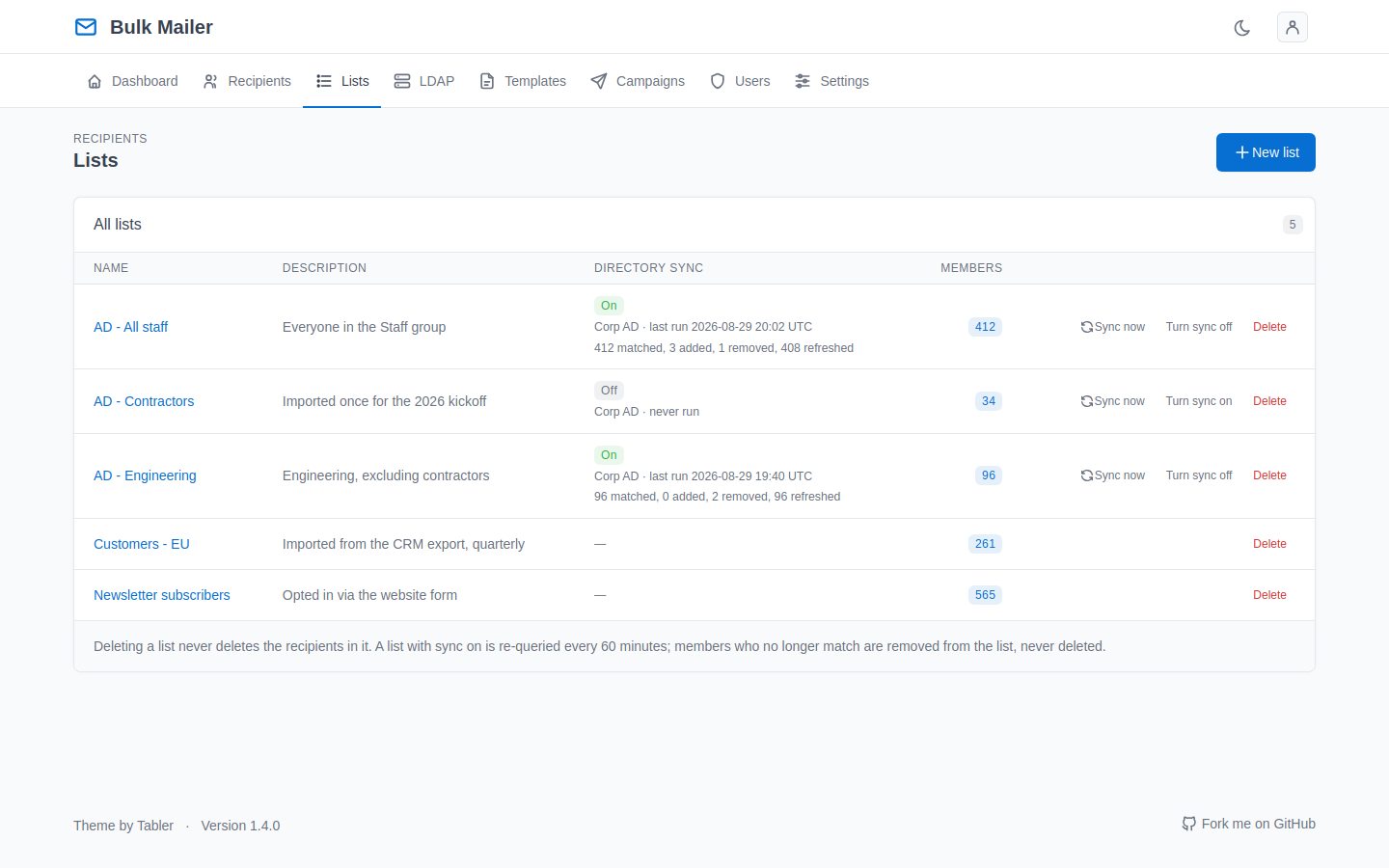
A campaign addresses lists. A list filled from a directory search can be kept in sync with it — this page shows which lists sync, which profile each came from, when each last ran, and why the last run failed if it did.
Templates
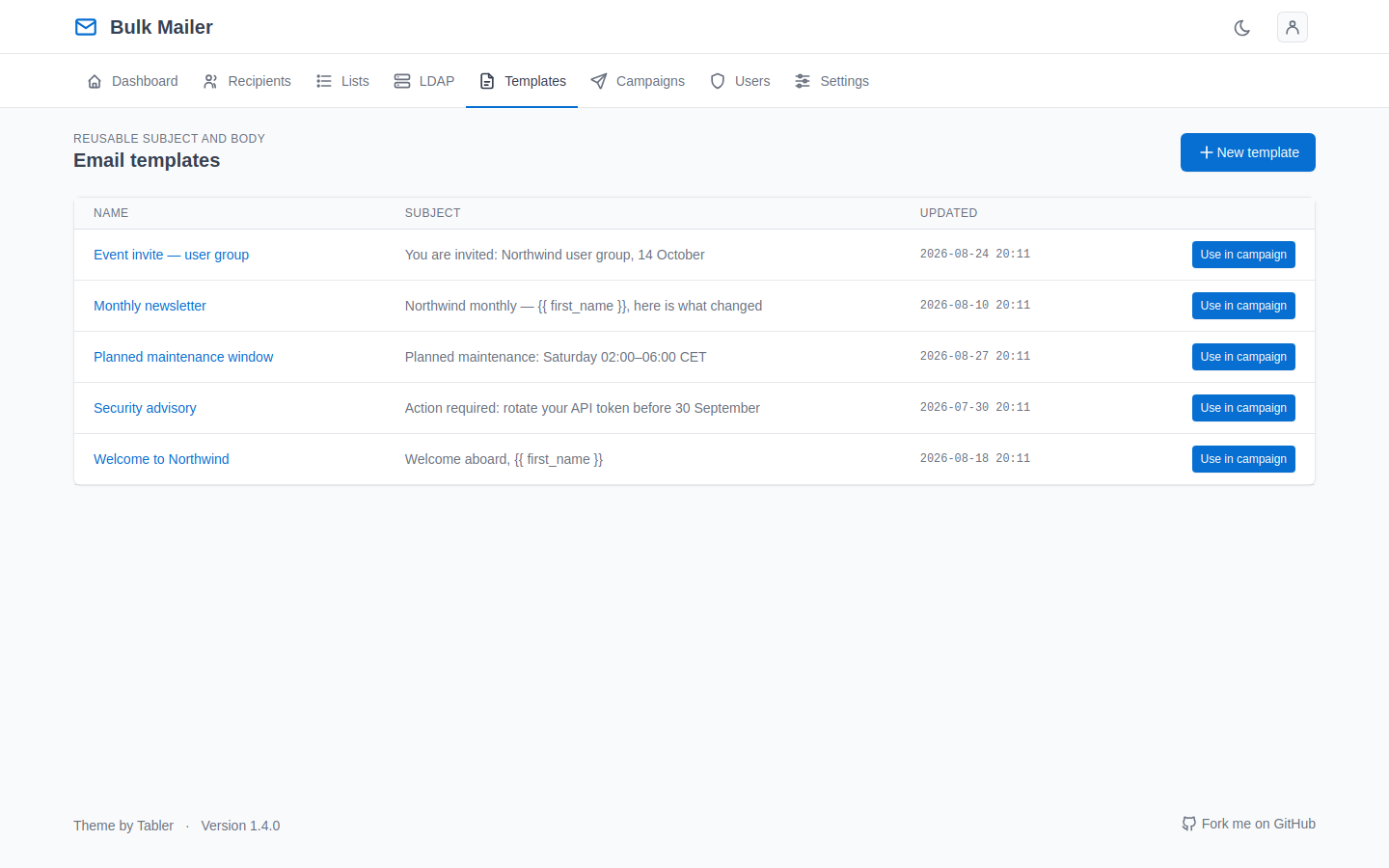
Write once, reuse. Visual editing or raw HTML, with a plain-text part generated automatically. Placeholders like are filled per recipient by a sandboxed renderer.
Campaigns
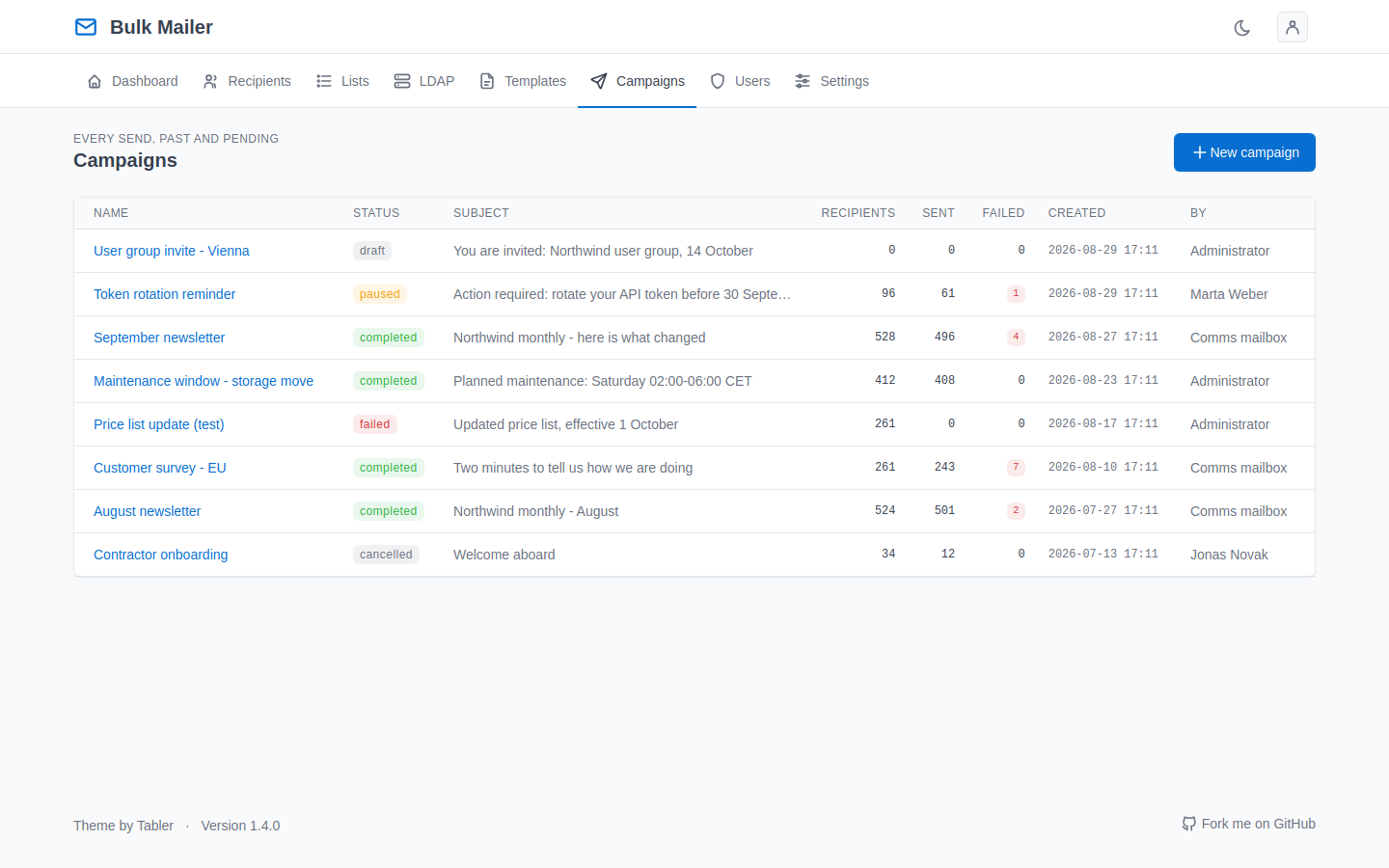
Every campaign with its status: draft, queued, sending, paused, completed, cancelled or failed — and who created it.
New campaign
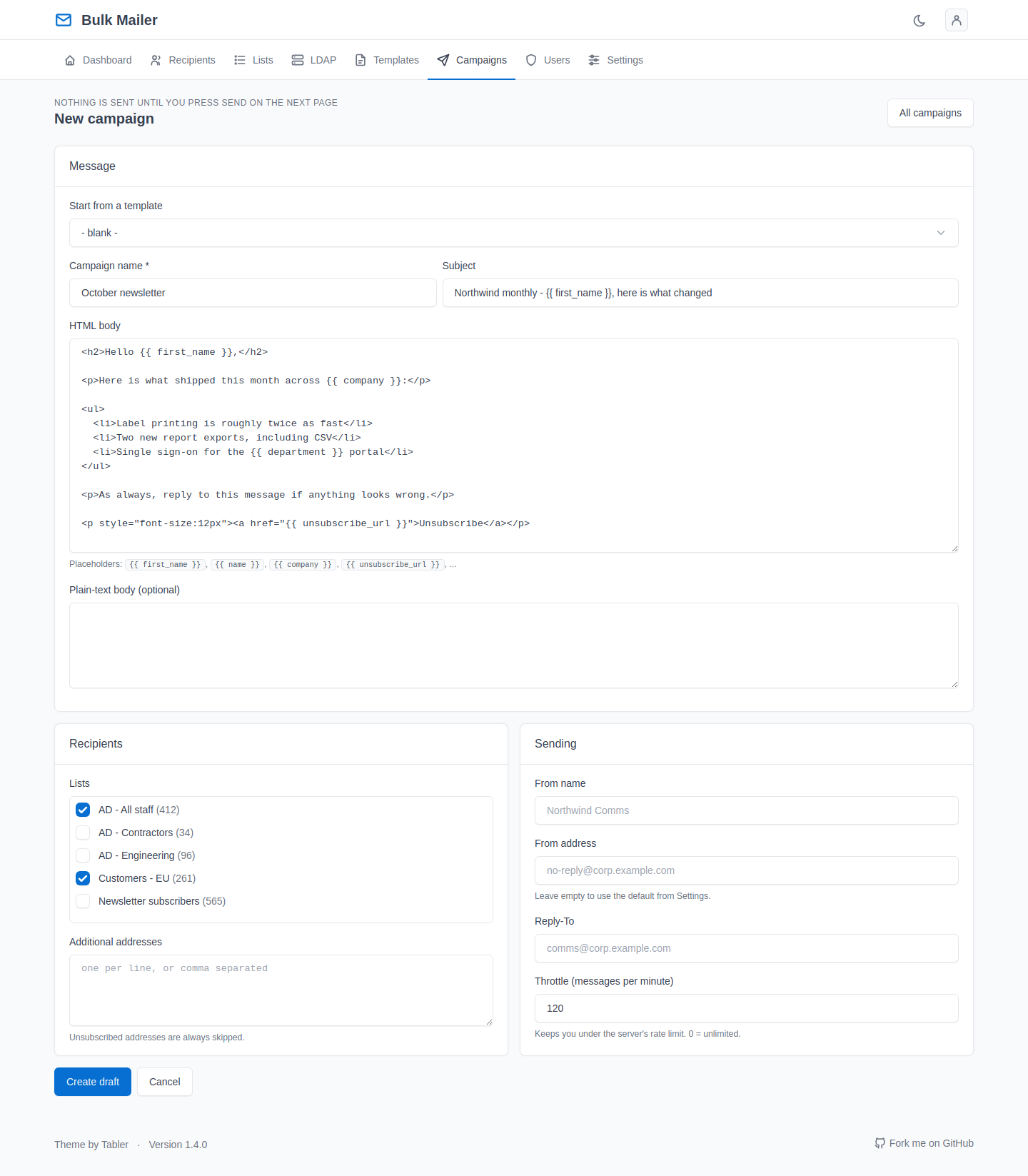
Pick the lists, load a template, attach files, preview against a real recipient. Dry run is right there next to send, which is where it should be.
Settings
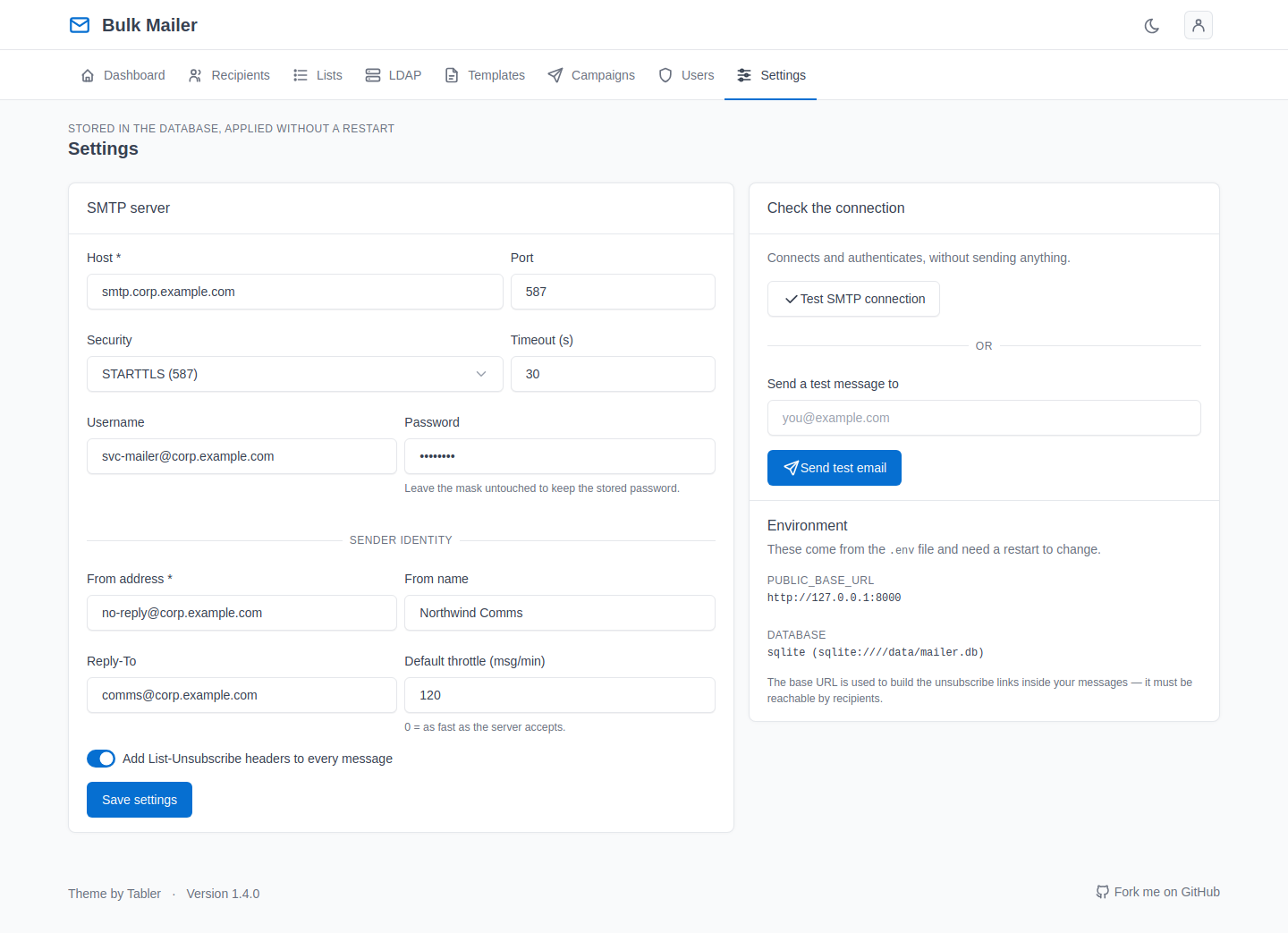
The mail server, sender identity and default throttle. Stored in the database and editable without a restart. Test SMTP connection opens a real connection and tells you what happened.
Stored passwords are encrypted with a key derived from SECRET_KEY.
LDAP
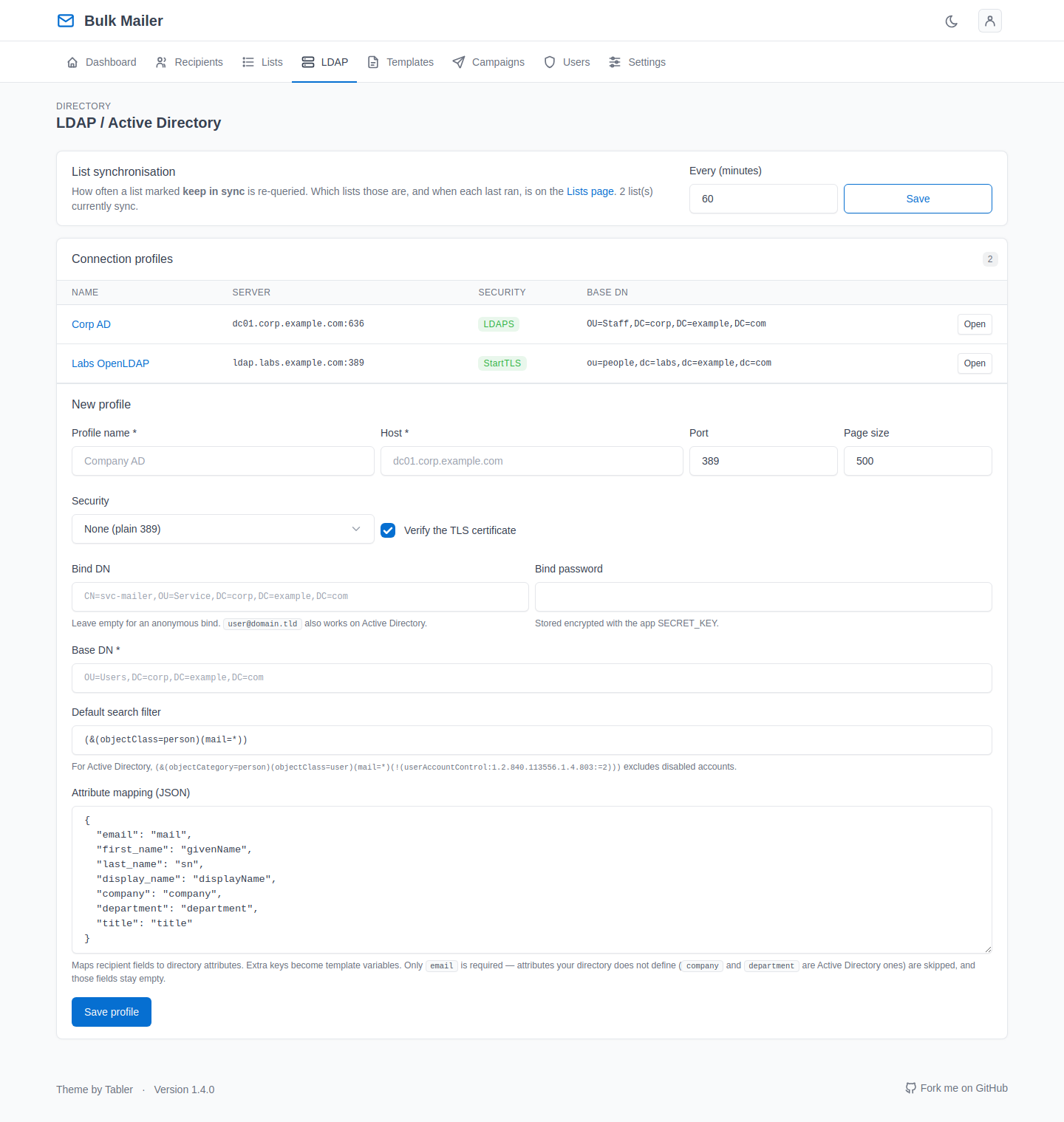
Connection profiles, attribute mapping, and a search you can preview before importing anything. Group filters handle include and exclude by DN, nested groups, and match-all or match-any.
The sync interval for lists that track a directory search lives here too.
Users and access
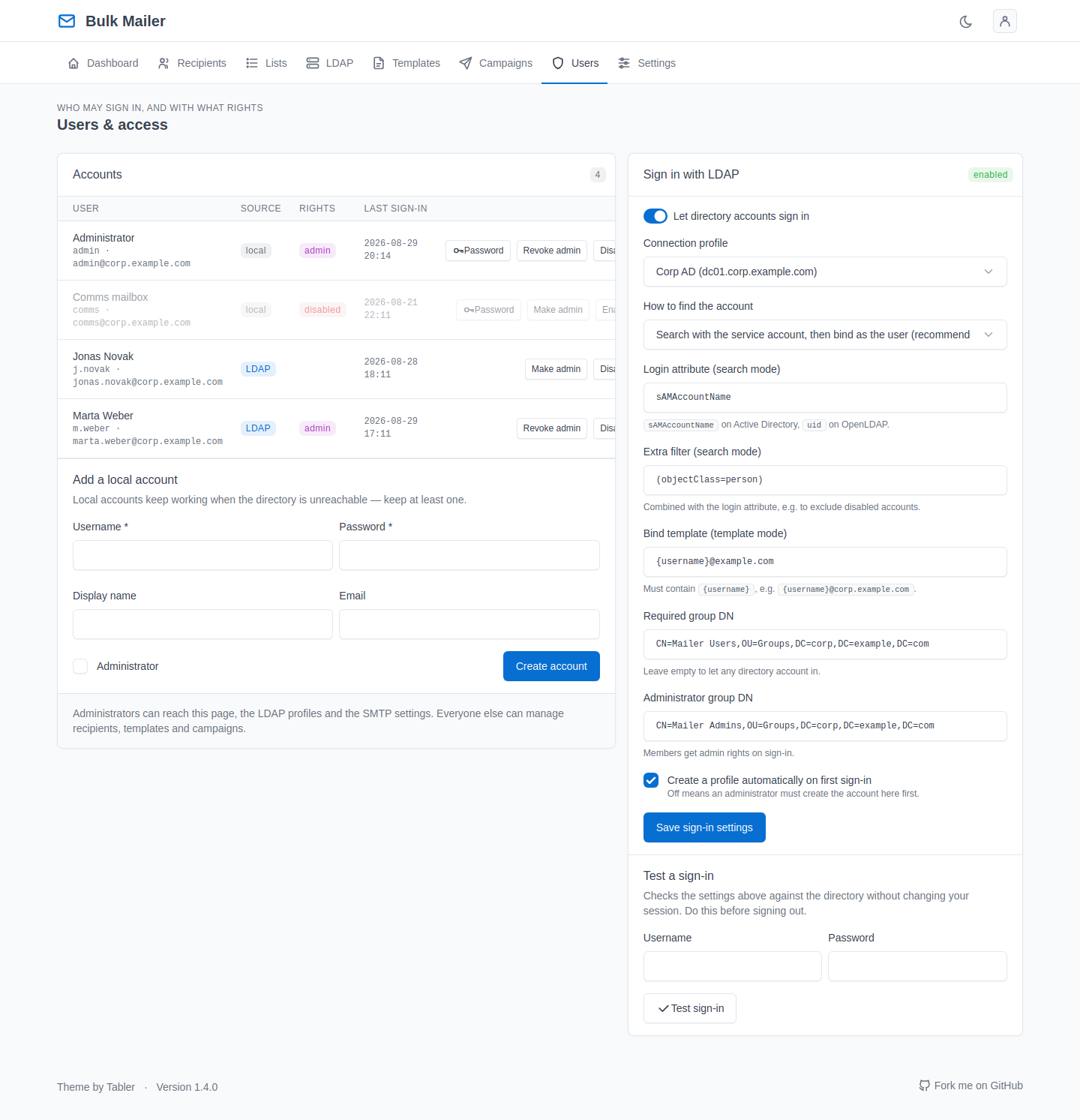
Local and directory-backed accounts, admin rights, and the LDAP sign-in settings. Test a sign-in checks the configuration against the directory without touching your own session — worth doing before you sign out.
Account
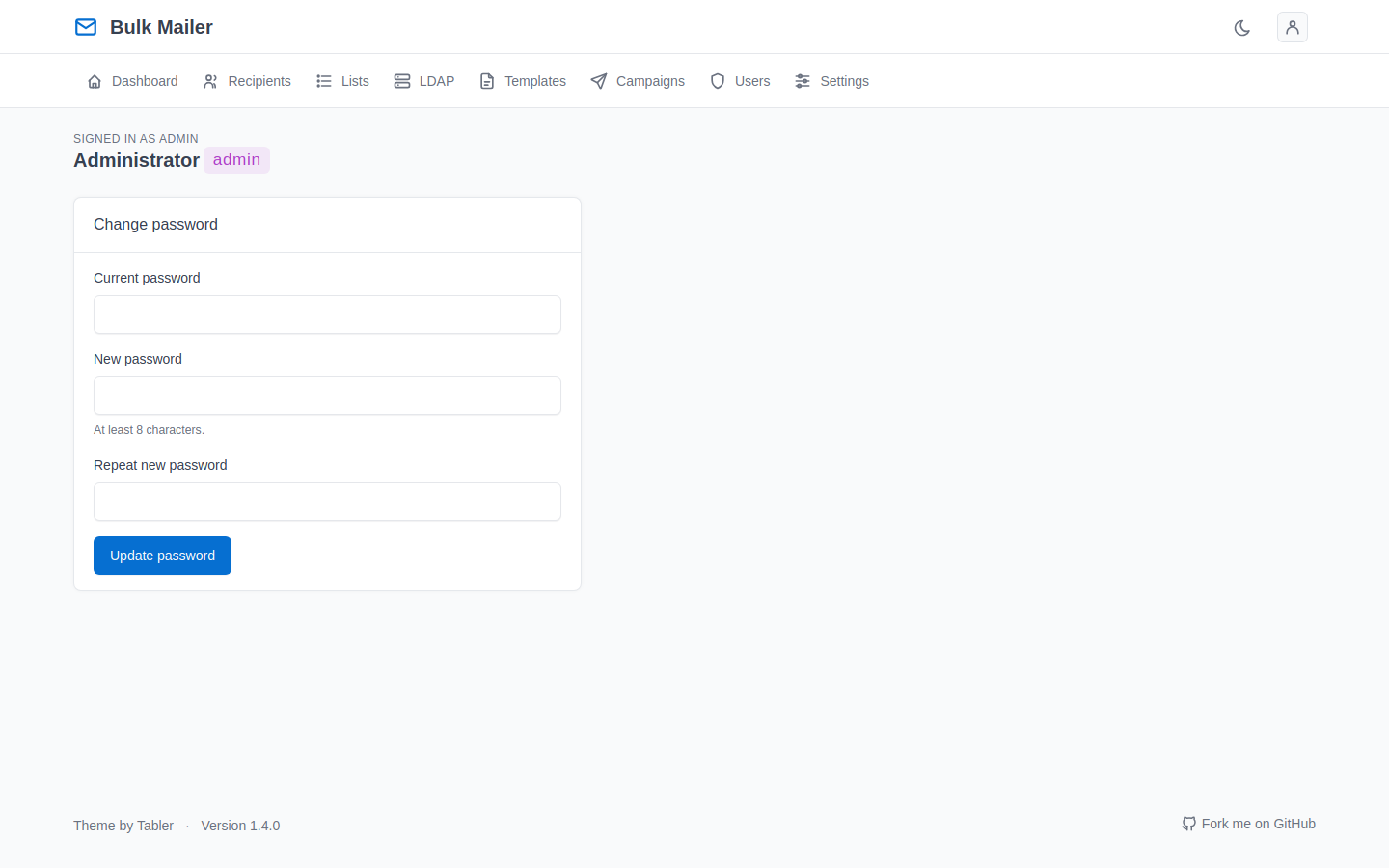
Your own password and details. The bootstrap ADMIN_PASSWORD is read only once, while the user table is empty, so this is where you change it afterwards.